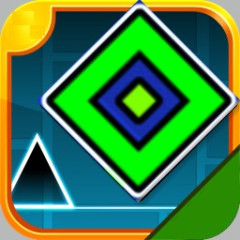
Challenge yourself to safely navigate through sharp spike traps in Geometry Dash Lite. Practice your reflexes across multiple levels. Choose levels based on popularity, trending, favorites, etc.
The difference between Geometry Dash Lite and many other Geometry Dash versions lies in its level grouping system. This obstacle course game has many levels categorized into Popular, Trending, Demons, and Favorites based on player ratings. Choose a game mode that suits your skill level to avoid being overwhelmed by the dizzying pace of this arcade game.
The block automatically moves through the tunnel. Your task is to time your jumps precisely and press the Space/Up arrow key/LMB key. Accurate and timely movements are crucial in this Dash game. Don't let the block crash into the walls or sharp spikes. A little tip for you is to try the Practice mode to control the block more accurately.